
Content Creation Training in Lagos
Write, plan, shoot, edit, publish and monetise video content.
Learn practical video content creation from script to screen. Build skills in storytelling, camera work, lighting, sound, CapCut editing, platform strategy, YouTube growth and AI-assisted content workflow.
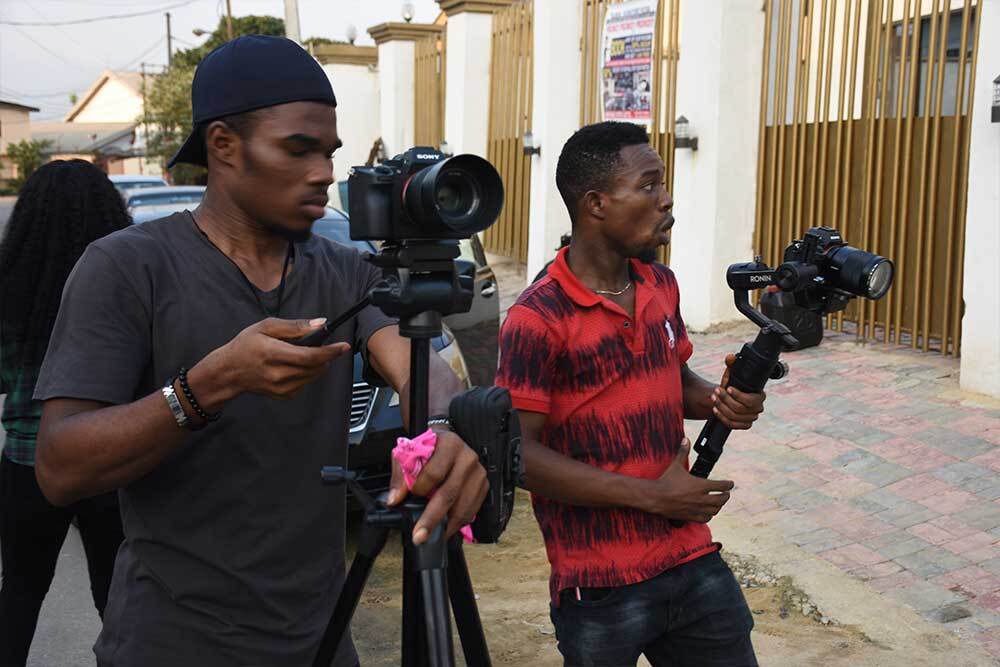
Script to screen creator training
Scripting, camera, lighting, sound, filming, CapCut editing, publishing, YouTube, social media and monetisation.
Create and Monetise Your Content
Video content is everywhere. Skill is what separates good creators.
Are you ready to enter the exciting world of video content creation? Praxis Digital Academy offers intensive and comprehensive Video Content Creation Training for aspiring creators, entrepreneurs, marketers and business owners.
In today’s digital age, video content has become the king of the online world. From social media platforms to websites, educational courses and digital marketing campaigns, video is everywhere.
To make your mark, you need more than a camera and an idea. You need the skills, knowledge and strategies to create compelling, engaging and monetisable video content that serves an audience.
This training gives you a practical path from idea to published content: scripting, production planning, camera, lighting, sound, filming, editing, publishing strategy, video SEO, AI tools and monetisation.
What You Will Learn
Creator skills for real social, brand and YouTube content.
- Write compelling video scripts, brainstorm content ideas and structure stories for audience retention.
- Shoot better content with camera or phone using framing, movement, lighting, sound and production planning.
- Plan content shoots with shot lists, production schedules, equipment checklists and on-set workflow.
- Edit short-form and long-form videos with CapCut, transitions, graphics, text, effects and clean audio sync.
- Publish and monetise content through YouTube, social media strategy, video SEO, content automation and AI tools.
Full Course Curriculum
A detailed content creation training path.
From scripting and camera basics to filming, editing, publishing, video SEO, AI tools and monetisation strategy.
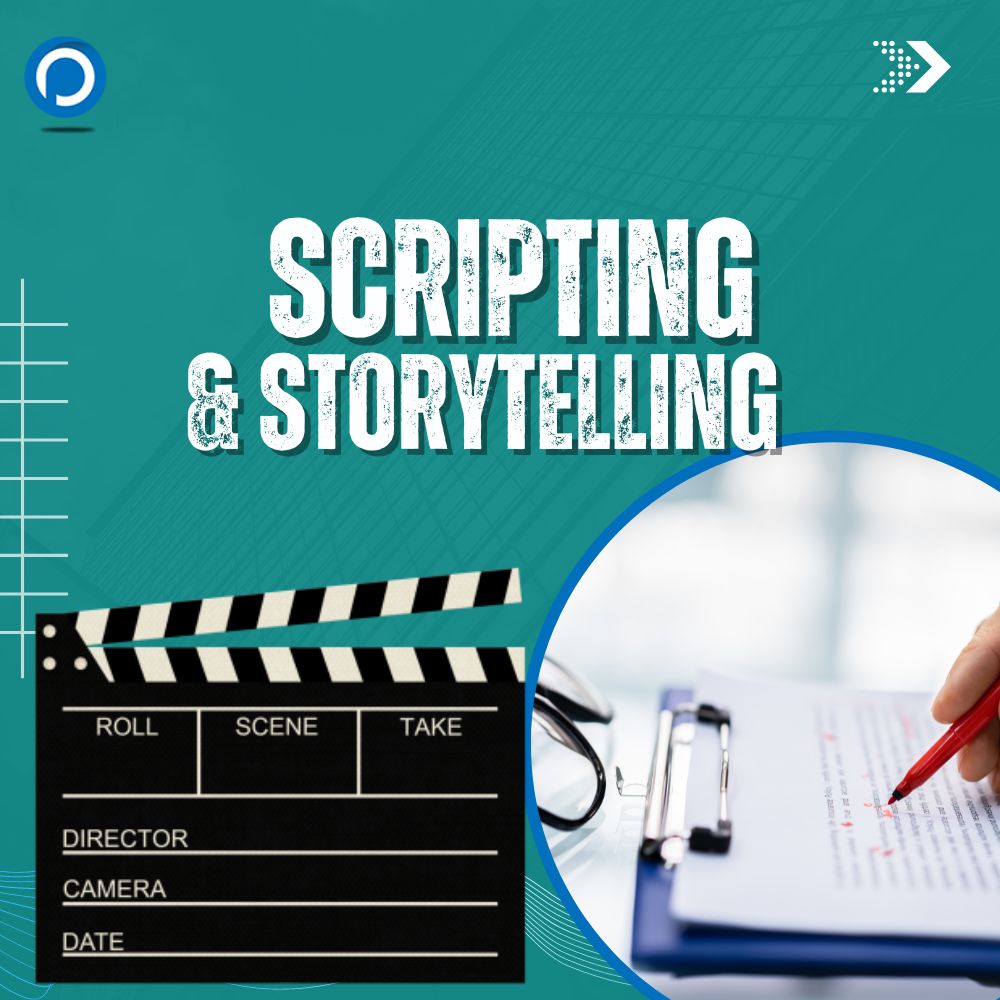
Scripting & Storytelling
Learn writing techniques that help you refine your narrative voice, create better video ideas and turn simple concepts into compelling scripts for social media, YouTube, brand videos and short films.
Power of Video Storytelling
Understand why video is powerful in the digital age and how story helps content connect with viewers.
Scripting Fundamentals
Learn the building blocks of a content script, including hook, setup, value, emotion and call to action.
The Seven Rules of Storytelling
Use practical storytelling rules to make your videos clearer, more engaging and easier to follow.
Writing Engaging Video Scripts
Write scripts that hold attention, explain ideas and guide the production process.
Brainstorming Video Ideas
Generate content ideas for education, entertainment, business, personal brand, products and campaigns.
First Script Workshop
Create your first video script and receive feedback on clarity, structure and audience fit.
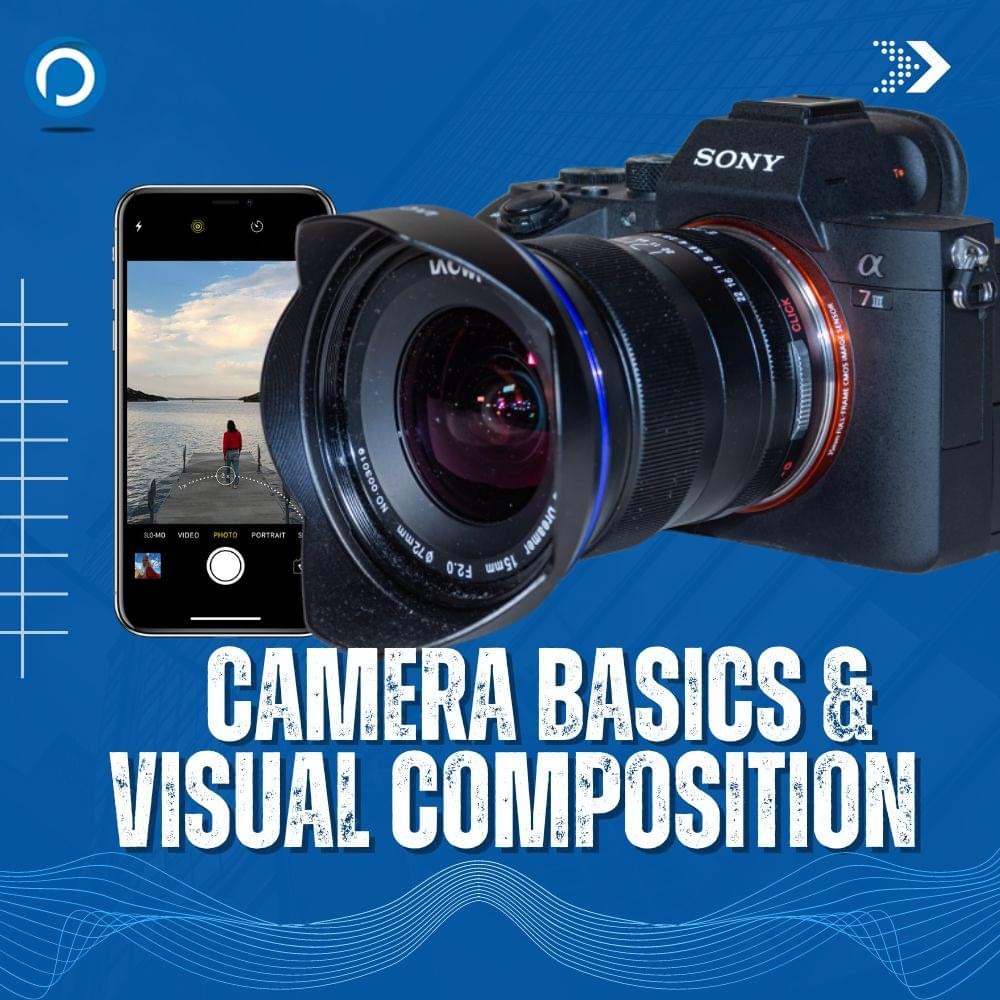
Camera Basics & Visual Composition
Content creators need to understand how cameras and phone cameras work. This module covers camera types, essential video settings, composition, movement and practical framing exercises.
Camera Types and Features
Understand phone cameras, DSLR, mirrorless cameras and simple content creation gear.
Essential Video Settings
Learn resolution, frame rate, exposure, focus, white balance and simple recording settings for cleaner footage.
Visual Composition
Use framing, rule of thirds, background, headroom and depth to make videos look more professional.
Camera Movements
Practice pans, tilts, push-ins, pull-outs, tracking shots and handheld movement for visual interest.
Camera Handling and Framing
Get hands-on with camera positioning, stability and practical framing techniques.
Phone Camera Exercises
Use a smartphone to practice content shots that can work for Reels, TikTok, YouTube Shorts and social ads.
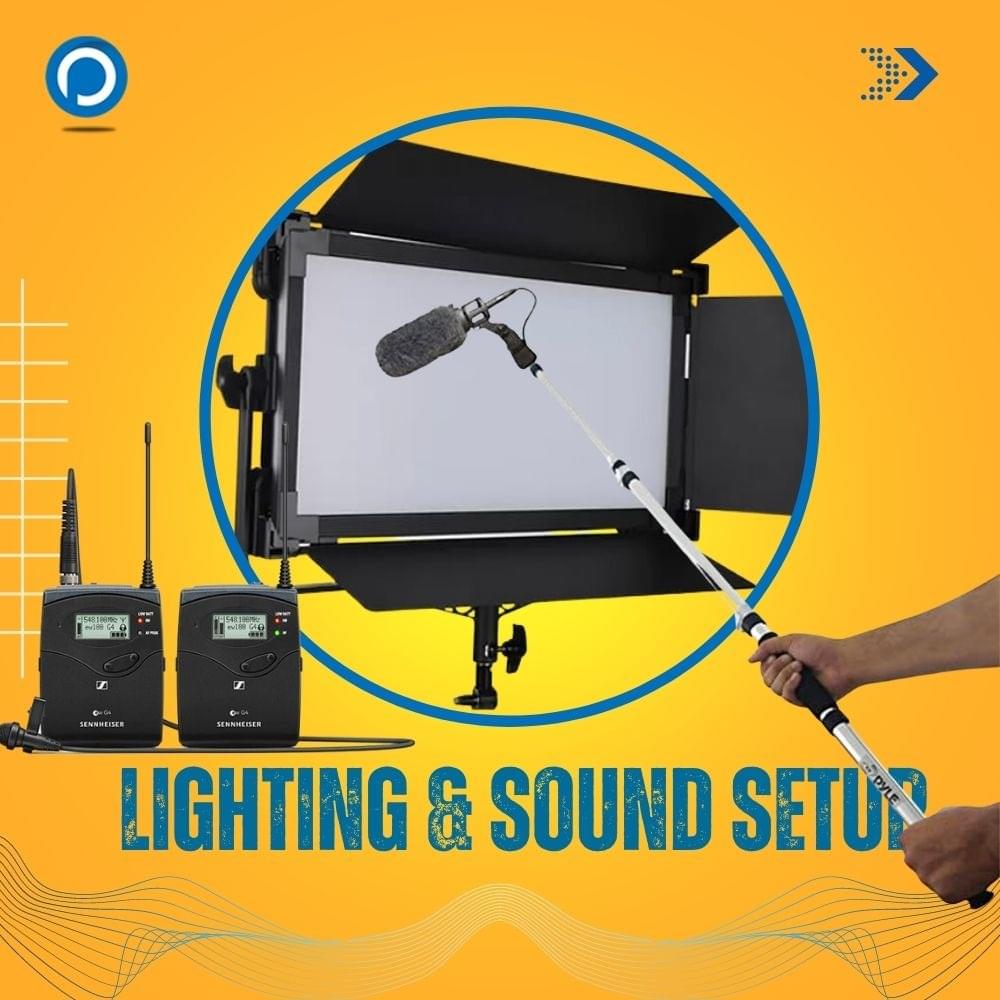
Lighting and Sound Setup
Great content depends on clear visuals and clean audio. Learn how to light indoor and outdoor content, record voice clearly and set up sound for interviews, podcasts and creator videos.
Lighting Equipment
Get introduced to simple lights, reflectors, LED panels and practical lighting accessories for creators.
Indoor and Outdoor Lighting
Learn how to use natural light, controlled light and practical setups for different recording spaces.
Camera and Lighting Practice
Practice matching lighting choices with camera settings and content style.
Sound Equipment
Understand microphones, recorders, wireless lavaliers, phone audio and simple creator audio setups.
Indoor and Outdoor Sound
Plan sound recording for rooms, streets, interviews, podcasts and noisy environments.
Voiceover Recording
Record clear and engaging voiceovers for explainers, ads, tutorials and documentary-style content.
Pre-Production Essentials
Strong content is planned before the camera rolls. This module covers content planning, script breakdown, shot lists, equipment prep and production scheduling for a smoother shoot.
Production Process and Planning
Understand the path from idea to published content and what must happen before filming.
Script Breakdown and Review
Break down your script, identify scenes, props, locations, talent, shots and production needs.
Shoot Planning Checklist
Create a practical checklist for a seamless content shoot.
Shot List Creation
Plan the exact shots needed so filming is focused and efficient.
Equipment Sorting
Choose cameras, lights, microphones, batteries, memory cards and accessories for each shoot.
Production Schedule
Create a realistic schedule for filming short-form videos, interviews, podcasts and brand content.
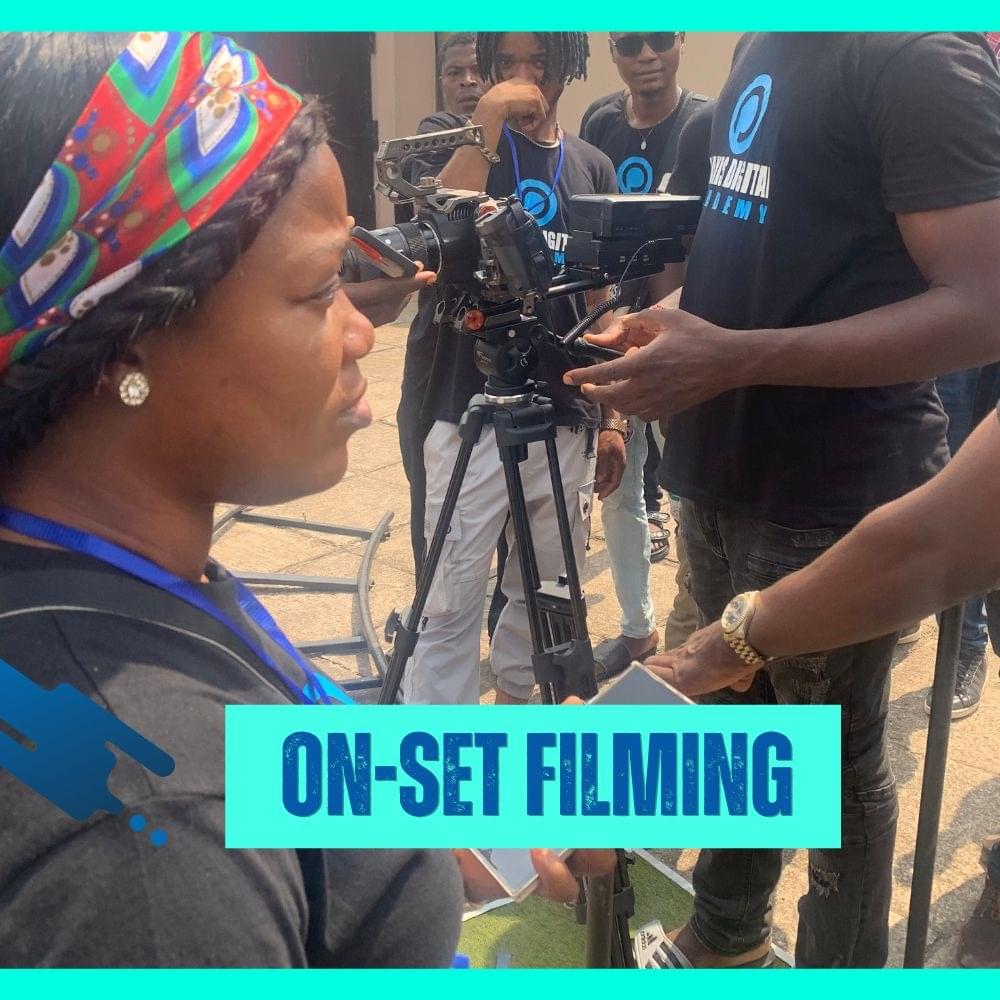
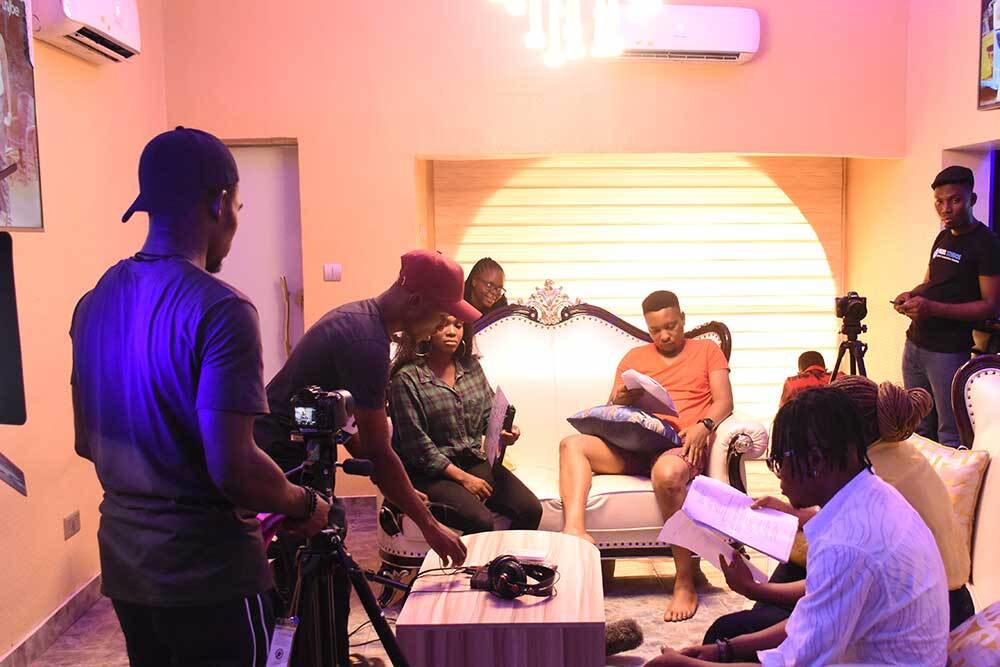
On-Set Filming for Short Films
Learn how to work on set with talent, crew, camera movement and visual storytelling. This practical module helps students understand how content becomes a real production.
Working with On-Screen Talent
Guide presenters, actors, business owners and interview subjects for stronger performances.
Directing Performances
Use simple direction to help talent look natural, confident and engaging.
Multicam Setup and Filming
Set up multiple cameras for short films, interviews, podcasts and social video production.
Managing Cast on Set
Coordinate talent, timing and performance needs during a shoot.
Managing Crew on Set
Understand crew roles, communication and basic set discipline.
Visual Storytelling Movements
Use camera movement and shot progression to make footage more appealing.
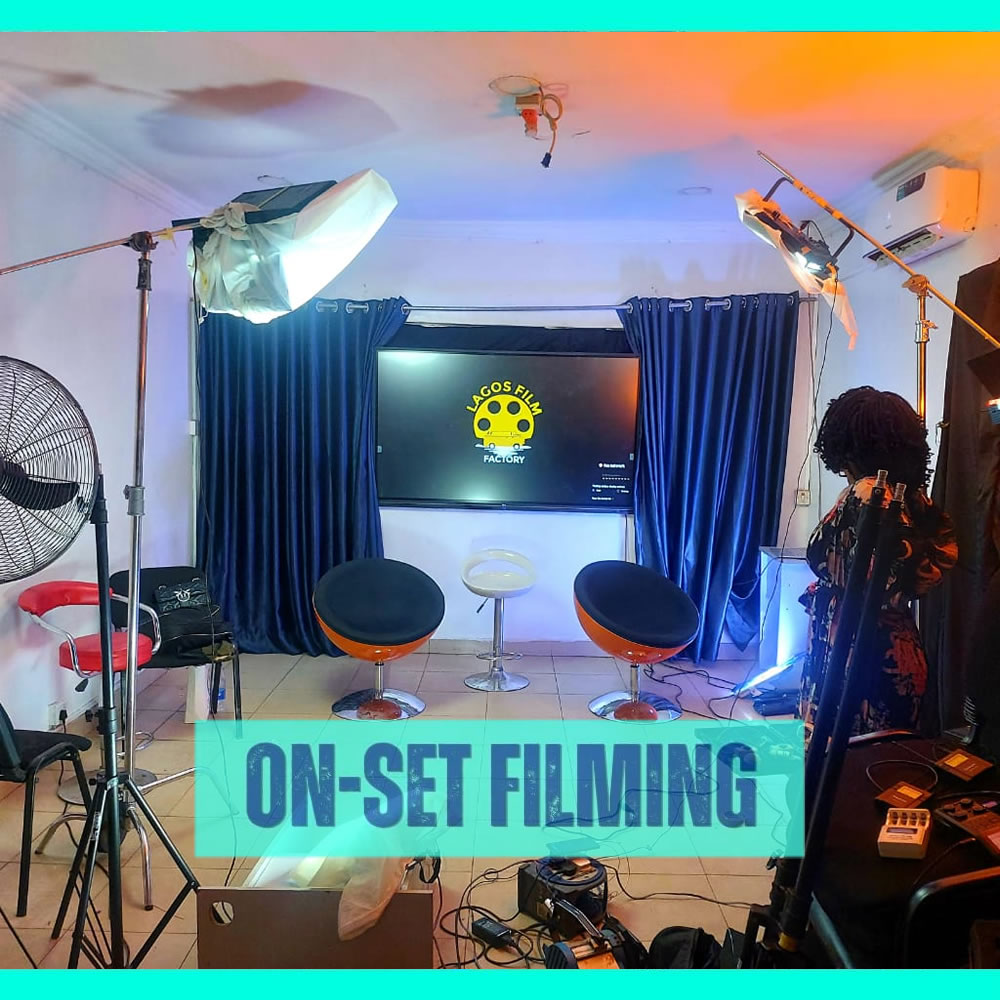
Interview and Podcast Filming
Interviews and podcasts are major content formats for brands and creators. Learn camera placement, visual composition, lighting and audio workflow for conversational content.
Camera Movement for Interviews
Create simple movement and visual variety without distracting from the conversation.
Visual Composition on Set
Frame guests, hosts, backgrounds and products in a clean and professional way.
Lighting Techniques on Set
Set up flattering light for one-person, two-person and panel-style recordings.
Audio Setup and Recording
Record clean dialogue using lavalier microphones, boom microphones or podcast microphones.
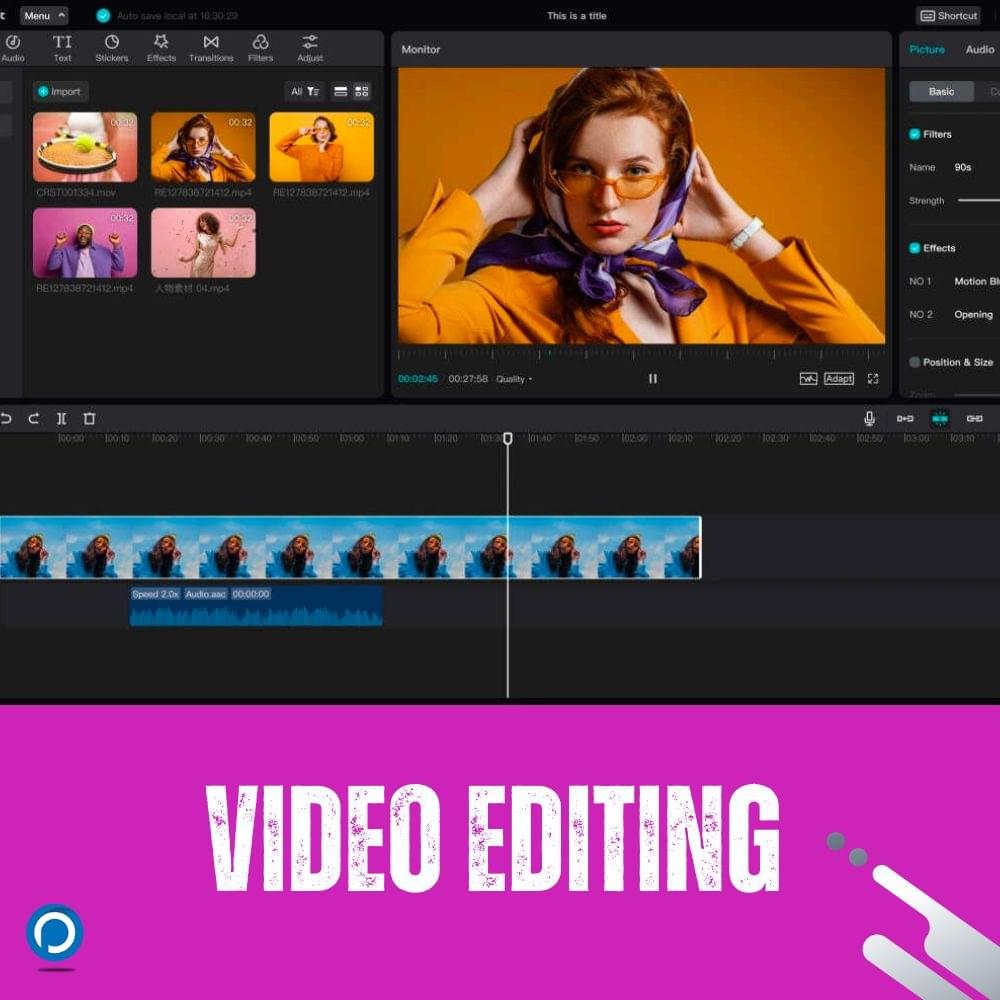
Video Editing with CapCut
Learn how to turn raw footage into polished videos using CapCut. This module covers timeline editing, clip organisation, cutting, trimming, audio sync and storytelling.
Editing Tools Overview
Understand the CapCut interface, project setup and editing tools creators use often.
Editing Timeline
Learn how timelines work and how clips, audio, text and effects fit together.
Importing and Organising Footage
Bring in raw clips, sort them and prepare for a smoother editing session.
Cutting and Trimming
Cut, trim and arrange clips so the video moves with better rhythm and clarity.
Storytelling Through Editing
Use editing decisions to improve flow, pacing, emotion and message delivery.
Syncing Audio and Video
Match audio to video and balance levels for interviews, voiceovers and music.
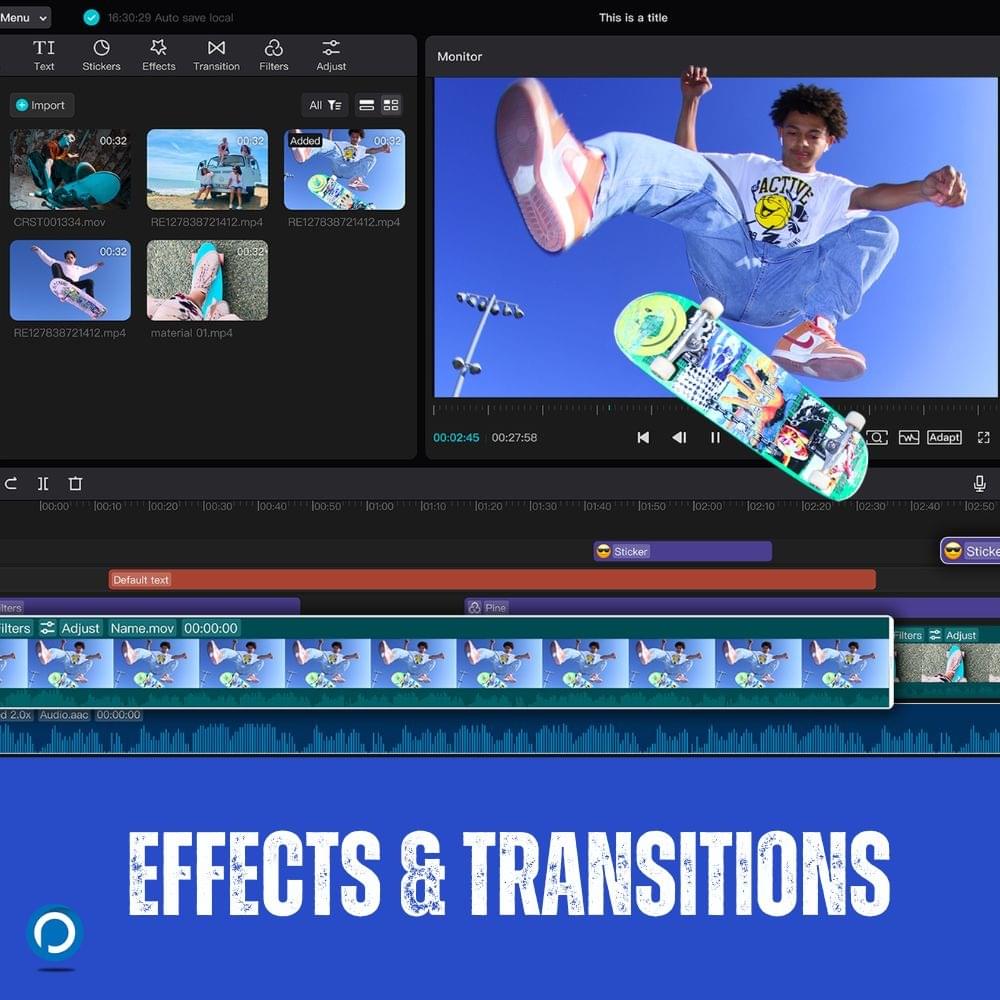
Advanced Effects and Transitions
Enhance videos with tasteful transitions, titles, captions, graphics, effects and creative elements while keeping the story clear and professional.
Smooth Transitions
Add transitions that support the flow of the video without making the edit feel busy.
Graphics, Text and Captions
Add readable text, lower thirds, captions and simple graphics for social media and YouTube.
Creative Visual Effects
Use effects, overlays and creative elements to make content more engaging.
Camera Settings Review
Connect editing results back to camera settings so future shoots are easier to edit.
Final Polish
Polish colour, sound, pacing, captions and exports for maximum impact.
Content Publishing & Monetisation
Learn how to publish content strategically, optimise videos for different platforms and understand the basics of monetisation for creators, brands and businesses.
Choosing the Right Platforms
Understand YouTube, Instagram, TikTok, Facebook, LinkedIn and website publishing choices.
Optimising for Platforms
Adapt format, aspect ratio, captions, hooks and thumbnails for each platform.
Video SEO
Use titles, descriptions, keywords, chapters, captions and thumbnails to improve discoverability.
Social Media Strategy
Build a posting plan, content pillars and repurposing workflow for consistent growth.
YouTube Growth
Learn YouTube channel positioning, retention, thumbnails, topics and simple analytics decisions.
AI Tools and Automation
Use AI tools for ideation, outlines, captions, repurposing, research and production workflow support. The AI Literacy for Work & Business course gives this workflow more structure.
Creator Projects
Build content pieces you can actually publish.
Students move beyond theory by creating practical content formats for social media, YouTube, personal brands and business marketing.
Short-Form Social Video
Create a short video for Reels, TikTok or YouTube Shorts using scripting, shooting, editing and platform optimisation.
Interview or Podcast Clip
Plan and record an interview or podcast-style clip with clean camera setup, lighting, sound and edited highlights.
Brand or Business Content
Create useful content for a product, service, personal brand or small business with clear storytelling and call to action.
YouTube-Ready Video
Package a video with title direction, thumbnail thinking, description, captions and a basic publishing strategy using ideas from YouTube Creators.
Course Questions
Content creation training FAQs.
Useful answers for students comparing content creation courses, creator training and video production classes in Lagos.
Is this a practical content creation training in Lagos?
Yes. Praxis Digital Academy offers practical content creation training in Lagos covering scripting, camera, lighting, sound, production planning, filming, editing, publishing and monetisation.
Can beginners join the content creation course?
Yes. The course starts with storytelling, scripting, camera basics and planning before moving into filming, editing, publishing and creator strategy.
Will I learn how to shoot with a phone?
Yes. Students practice phone camera and camera exercises, framing, lighting, sound and simple visual composition for social media content.
Does the course include video editing?
Yes. The curriculum includes CapCut editing, timeline workflow, cutting, trimming, transitions, captions, graphics, audio sync and final polish. Students who want deeper post-production can move into our video editing course.
Will I learn how to monetise content?
Yes. Students learn platform strategy, video SEO, YouTube growth basics, social media publishing, content repurposing and AI tools for content workflow.
What kind of projects will I create?
Students work on short-form social videos, interview or podcast clips, brand content and YouTube-ready video packaging.
Don't take our word for it?
Hear from our happy tribe
Watch students, alumni and industry voices talk about learning, creating and growing with Praxis Digital Academy.
Charles Inojie recommends Praxis Digital Academy
Industry Recommendation
Tony Umez recommends Praxis Studios
Industry Recommendation
My Cinematography Experience in Praxis Digital Academy
Student Experience
On Production Set - Students Review
On-set Training
My Experience at Praxis Studios
Student Review
Student review and experience at Praxis
Student Review
Next Session Begins Soon
Request Curriculum
Request the current content creation course schedule and price.
Get the latest start date, class format and payment details for the Content Creation Course in Lagos.